Share-A-Cart Is Now Live in ChatGPT and Claude
Shared on 9 September 2026, by Ed
Share-A-Cart is now officially available in both ChatGPT’s plugin directory and Claude’s Connectors directory. If you’ve ever wished you could go from “let’s plan this out” to “here’s a cart, ready to check out” without leaving your conversation, this one’s for you — no matter which AI assistant you use.
Get it on ChatGPT
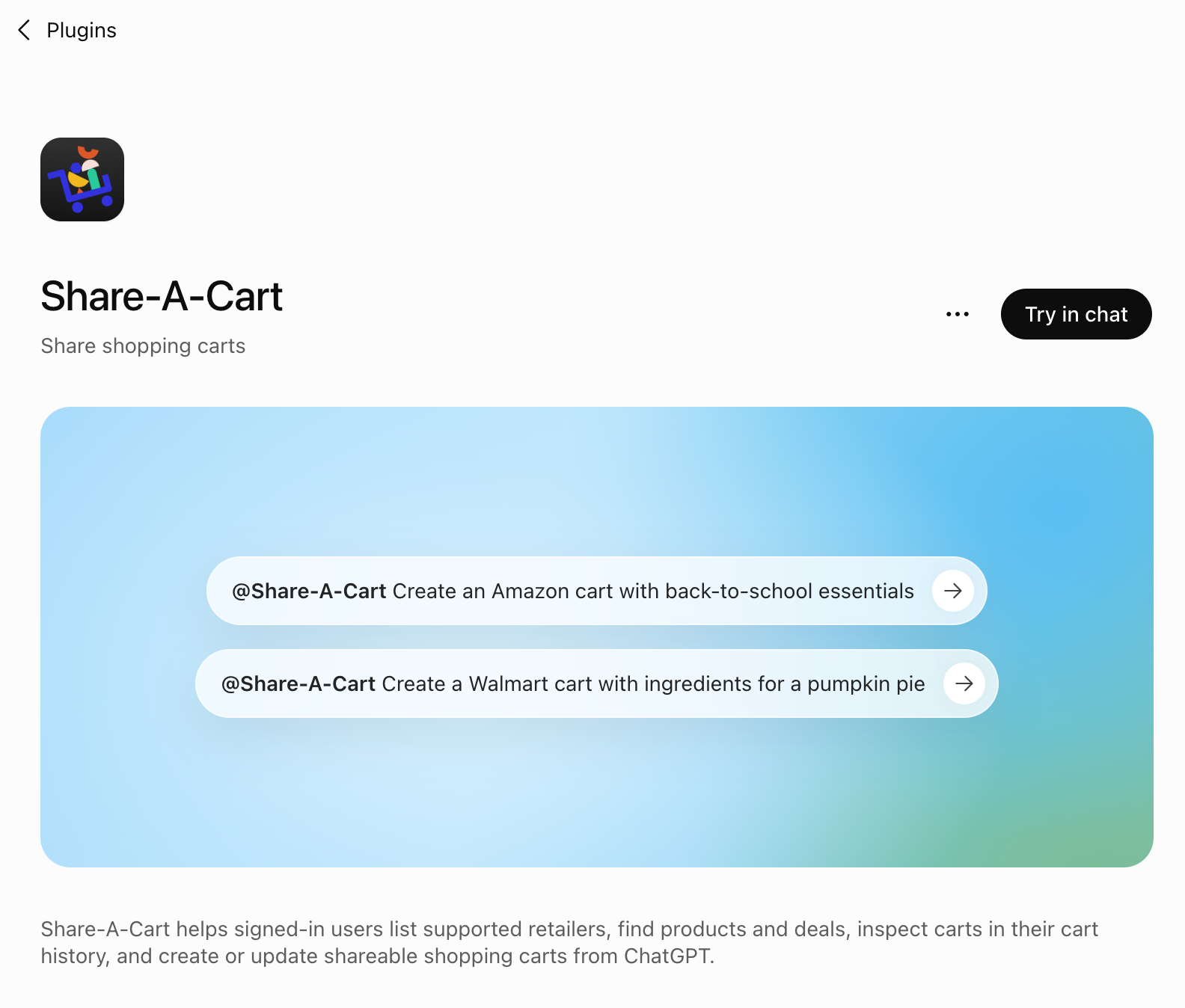
Visit our listing on the Share-A-Cart plugin page and connect from there, or find it from inside the ChatGPT app:
- Open Settings
- Go to Plugins
- Search for Share-A-Cart
- Select Connect
Get it on Claude
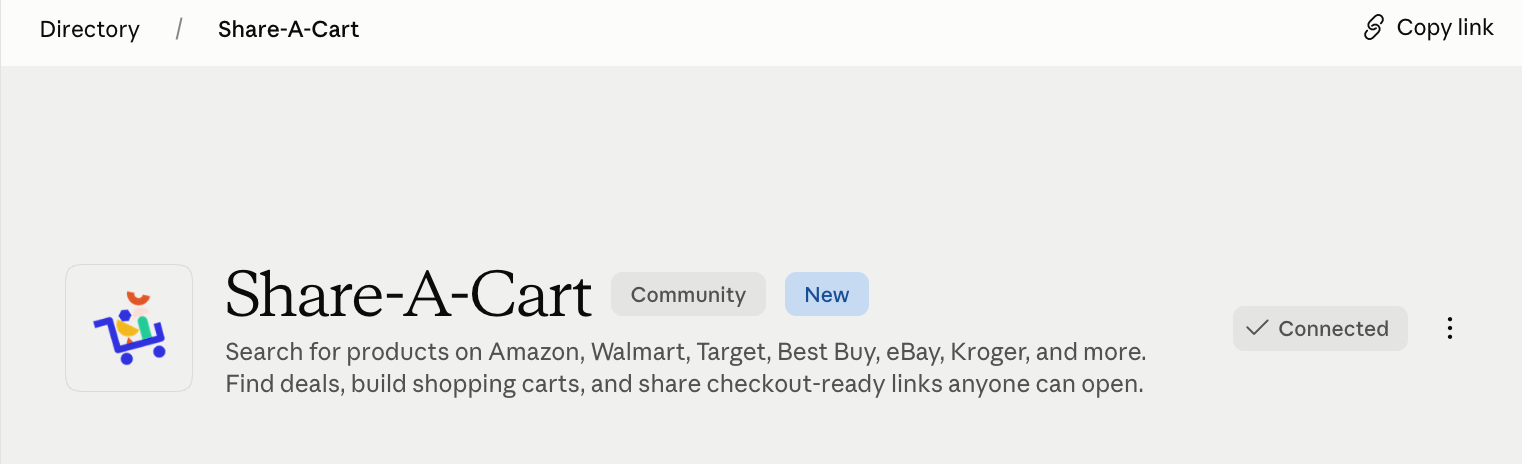
Visit our listing on the Claude Connectors directory and connect from there, or find it from inside the Claude app:
- Open Settings
- Go to Connectors (or tap the + button in the chat box and choose Connectors → Browse connectors)
- Search for Share-A-Cart
That’s it — once it’s connected, just mention what you’re shopping for in your next conversation, and Share-A-Cart takes it from there.
What this means for you
Once connected, either assistant can pull items together and hand you back a shareable Share-A-Cart link right in the chat — whether you’re building a gift list, stocking up for a project, or turning a plan (like a lesson plan, recipe, or a packing list) into something you can actually check out.
