Scan It, Save It: Barcode Scanning and Deals Are Now Live in the Share-A-Cart App
Shared on 4 September 2026, by Ed
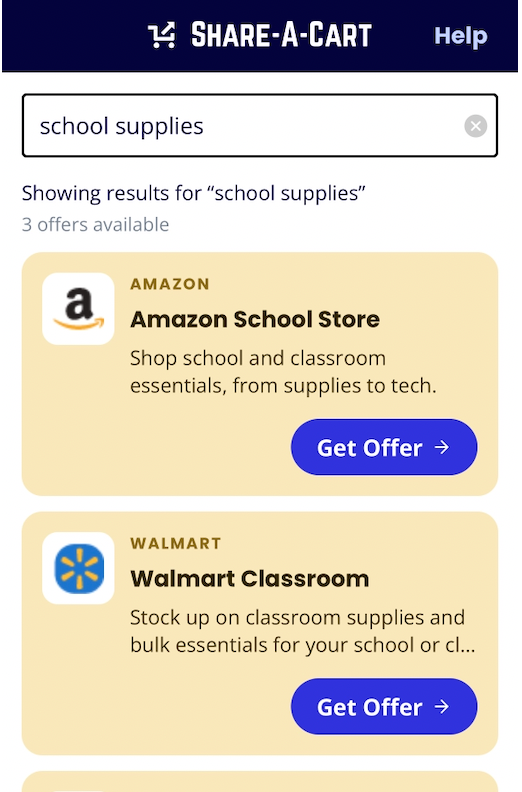
Two new features are live today in our iOS and Android apps.
- Barcode Scanning — point your camera at any product, anywhere, and add it straight to a cart.
- Deals, right in the app — the coupons and discounts you’ve been finding on our website are now built into a brand-new tab.
Here’s what’s new and how to get the most out of it.
📷 Scan a barcode, skip the search bar
Building a shared cart usually starts with typing a product name into a search box. Now you can skip that step entirely.
Open the app, select a store (or search across all stores), and tap the new scan icon. Then, point your camera at any barcode, and we’ll search for that item and give you the option to add it to a shareable cart. It doesn’t matter where you are — the item in your pantry, a product on a store shelf, or something a coworker hands you at the office.
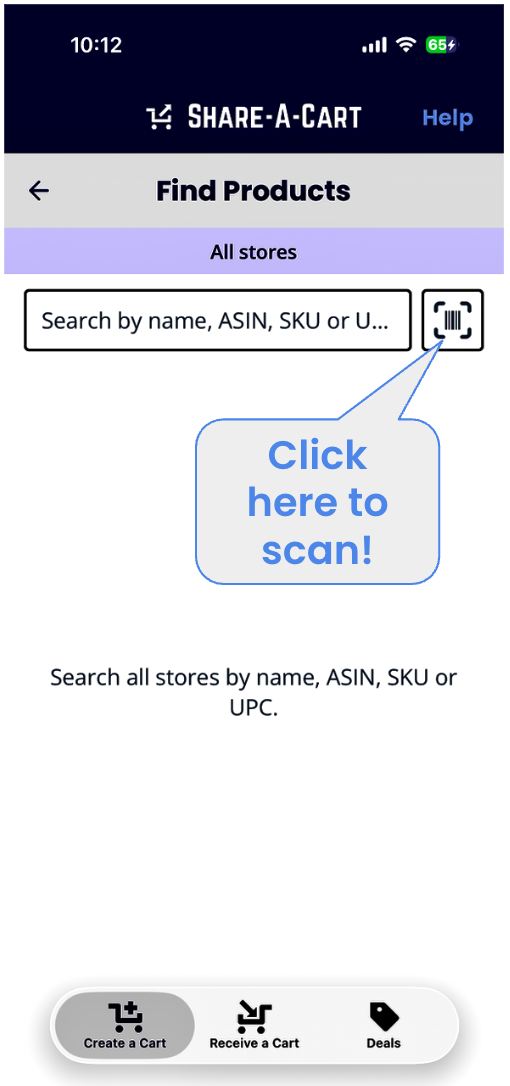
A few ways people are already using it:
- At home: Running low on something? Scan it off the shelf or out of the recycling bin and add it to your next order before you forget.
- At the store: Found a product in person that you’d rather order online, or want to compare against a better price? Scan it and add it to a cart on the spot.
- At work: Restocking office supplies or comparing a vendor’s product to what’s available elsewhere? Scan the box and build the cart as you walk the aisles.
🏷️ A new Deals tab, built right into the app
For a while now, shoppers have been using our Deals page on the web to find working coupon codes, active sales, and exclusive partner discounts across 200+ stores. Today, that same experience comes to the app for the first time, in a new Deals tab at the bottom of the screen.
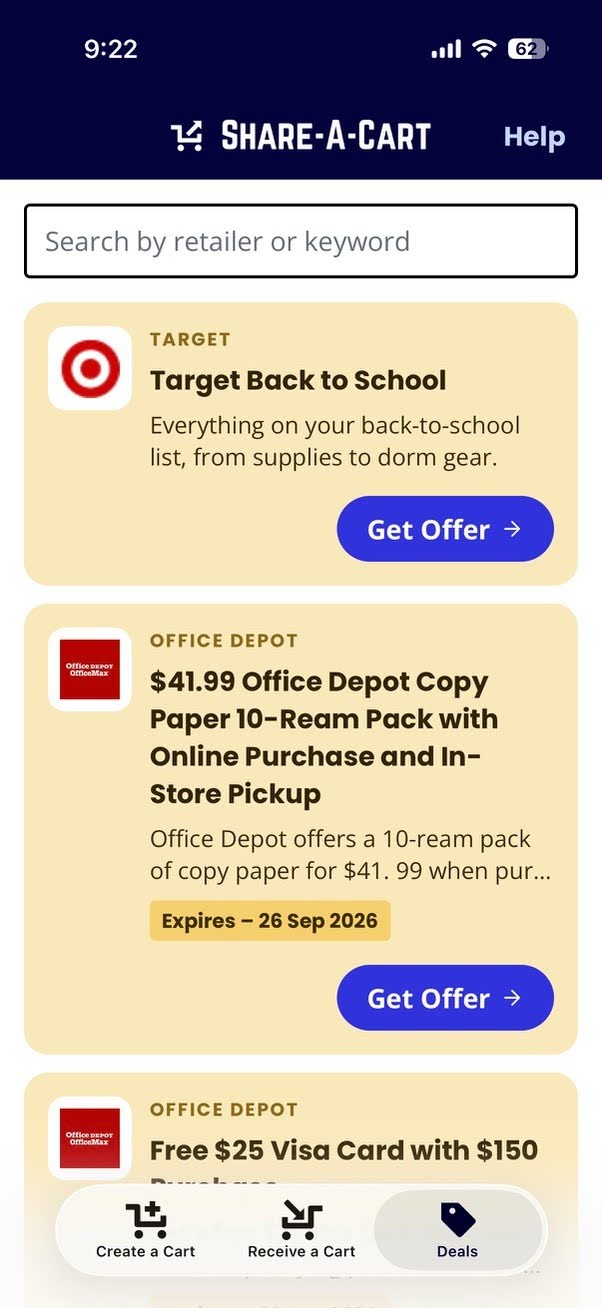
Everything you could do on the web is now just a tap away:
- Working coupon codes — we test codes continuously, so what you see actually works at checkout.
- Active sales & flash deals — the live discounts already running on a retailer’s site, surfaced automatically.
- Exclusive partner discounts — offers negotiated specifically for Share-A-Cart users, marked with a star.
Search by retailer or by product, grab the discount, and it’s ready to use when you check out — all without leaving the app.
Try them both today
Both features are rolling out now to iOS and Android. Update your app, tap the scan icon to add your first item by camera, and check out the new Deals tab to see what’s on offer at your favorite stores.
Haven’t tried Share-A-Cart yet? Here’s how it works →
Got feedback on the new features? We’d love to hear it — reach out any time from the Contact Us page.
