If it weren’t for you guys, I, the person in charge of purchasing, would probably already be in heaven by now. 😂 Thank you so much for all your help and support! Love you from South Korea! ❤️
Yena L., September 1, 2026
Worked as intended. Made my cart list for Prime day but husband had the Prime card on his account. Good idea!
Dee, June 24, 2026
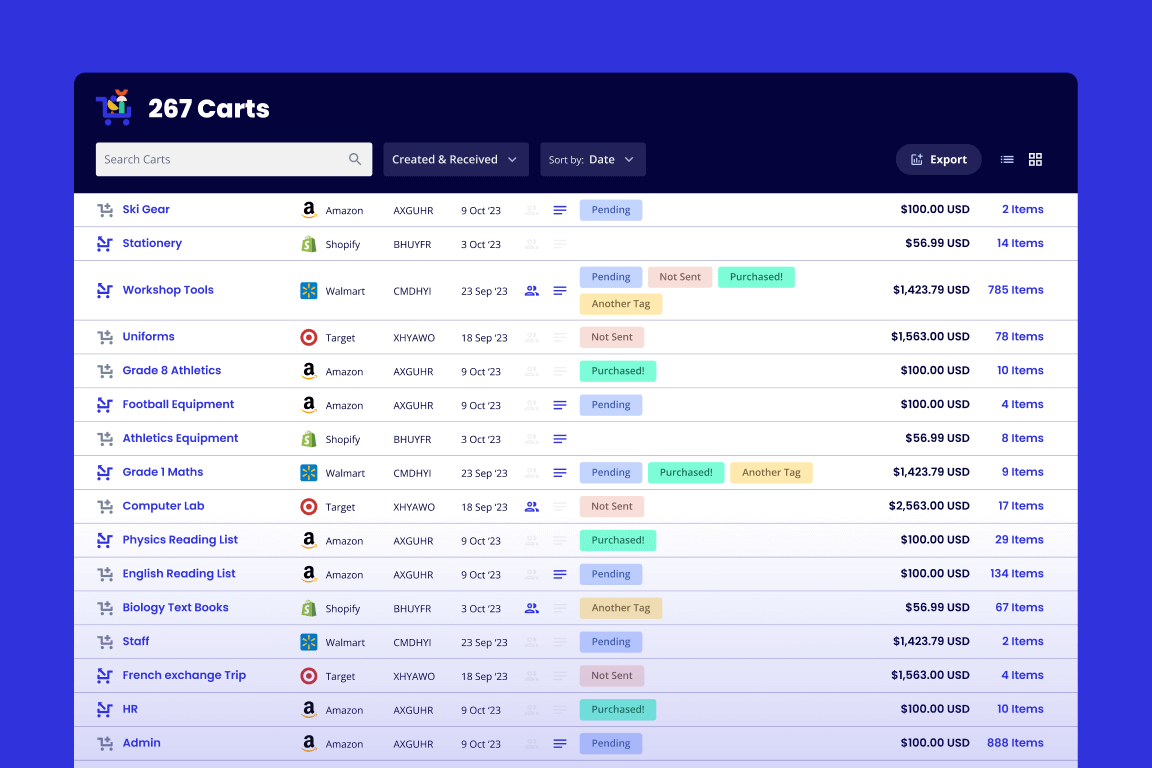
This extension has been invaluable to us in our charter middle school. We use it as a way for teams to create orders and share that information with each other and the office admin who places orders for supplies and materials. It saves them time with the one click option for populating a cart and allows for easy review by administration to get approvals.
Nickey H., August 17, 2026
I work at a middle school and I now have everyone use this to send me all of their supply requests. Much better than trying to sort through hundreds of links. Very valuable to my job.
Ryan M., August 21, 2026
For my first experience I was easily able to create a Back-To-School supply list in a cart at Walmart and now can share it to incoming families.
Ruth B., July 13, 2026
The app saves me a lot of time. For work I have to make weekly food orders and I can just save a basic order and add or delete from it the next week. It saves me from having to add 60 items to my cart every week. Also, I can send the cart to a coworker who can do the same. Sometimes we send it back and forth and collaborate. Great extension!
Nathan J., January 12, 2025
Share-a-cart has been absolutely transformative for our business. I suggested using share-a-cart as a way to make our company's purchasing processes easier and it has worked like an absolute charm for us.
Benjamin B., September 2, 2026
This is a massive asset to our high school culinary program. Since our school district doesn't give teachers credit cards to handle our own shopping, this helps tremendously when placing large orders amidst all the district bureaucracy. Thank you, Share-a-Cart, for making teachers' lives so much easier!
Samantha M., October 19, 2026